Lemma · Channels
Ask from Slack, WhatsApp or email.
Your teammate takes requests wherever your team already talks. It knows who’s asking, works with their access, and puts the work in its space for everyone to see.
Three apps, one launch list.
 Kit’s space· Launch assets
AssetStatus
Readiness checks
What a channel is
A front door to your teammate’s space.
People ask from where they already are, and your teammate comes to them when a step needs their answer. It’s the same teammate with the same memory on every channel, and the work always lands in its space.
Email works on day one. The rest take a minute.
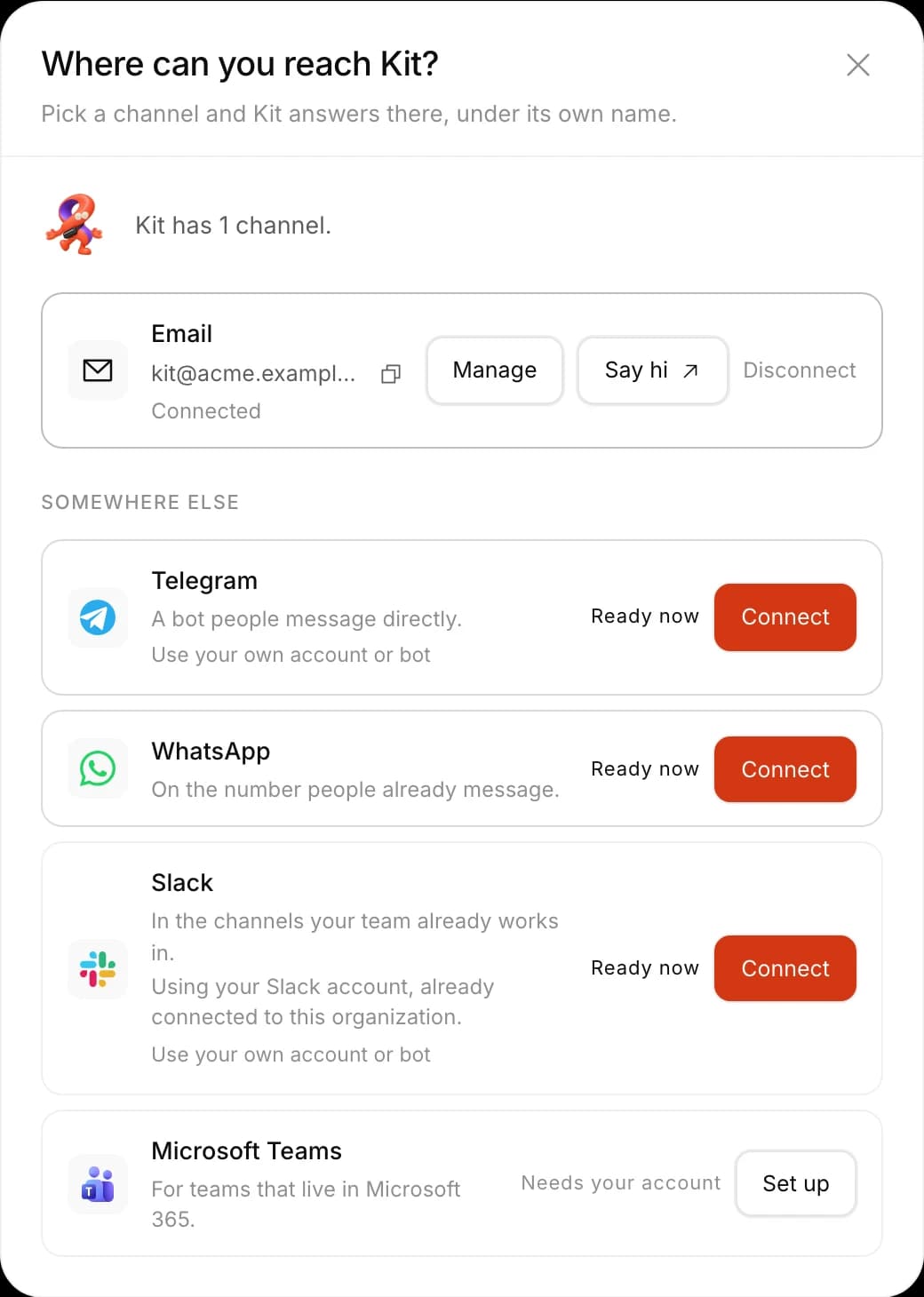
- SlackIn the channels you allow, under its own name.
- Microsoft TeamsLike Slack, set up with your Microsoft account.
- WhatsAppOne to one, matched by verified mobile.
- TelegramLemma’s bot, or one under its own name.
- EmailIts own address from the day it’s hired.
Who’s asking
It always knows who’s asking.
Every message is matched to a person: Slack and Teams by work email, WhatsApp by verified mobile, email by a sender the mail server vouches for. It acts with that person’s access, so Sam can’t mark the press release Ready just because your teammate could.
Same request, two people, two outcomes.
 #launch· Thread
Aditi
Pricing page draft is up for comments.
Sam
can view Launch assets@Kit mark the press release Ready, Priya’s fine with it.
Priya
can edit Launch assets@Kit yes, mark it Ready.
Kit
Done. The press release is Ready.
Kit’s space· Launch assetsAssetOwnerStatus
Ran as Sam: can view, can’t change.
Nothing moved.
Ran as Priya: can edit. Now Ready.
- NewcomersSign up right in the chat with an email code.
- OutsidersTold they need access, and nothing more.
In the thread
In a busy channel, it waits to be mentioned.
It answers only in channels you allow, and only when mentioned or in its own threads. It reads the thread above, and brings back previews, a table’s first rows or a document’s first page, with a link to the real thing.
A preview in Slack. The table stays in Lemma.
Thread#launch1 reply
Approvals
Only the person who asked can say yes.
Risky actions, like emailing the press list, wait for Approve and Deny buttons in the chat, or a reply by email. A colleague’s tap is refused, and an approval never reaches past the asker’s own access.
Rohan’s tap is refused. Priya decides.
Thread#launchHand-offs
A workflow step finds Dev on his phone.
When a step waits on Dev, your teammate messages him where he last talked to it. He replies “Yes, import it. Tell Harbor the dates are fixed.” The form fills in from his words, and the run moves on.
Answered on WhatsApp. The import runs.
First import check
Waiting on a personRunningSteps
 JuneCheck every rowDone3m
- DecisionAnything that won’t import?Done
Prepare a corrected file
- JunePrepare a corrected fileDone57m
- A personDev approves the fixWaitingDone4h so far4h
Import the corrected file *
Note for June
Tell Harbor the dates are fixed
Submit- run-importRun the importNot yetRunning
 WhatsAppD
First import check needs your input.
It asks for: Import the corrected file, Note for June.
Yes, import it. Tell Harbor the dates are fixed.
MessageYes, import it. TellHarbor the dates are fixed.
Asking around
It asks three people and brings back one answer.
Need to know whether the demo is cut and finance has signed off? It messages each person on their own app, waits without clogging your thread, and comes back once the last reply is in.
Three people, three apps, one answer.
Thread· #launchSam
Kit
Kit
Slack· PriyaOn behalf of Sam:Where’s the press release?WhatsApp· AditiOn behalf of Sam:Where’s the pricing copy?On behalf of Sam:Where’s the demo video?The rest of its space
Every part of the job, in one place.
Your teammate already has an email address.
Forward it the request sitting in your inbox. Add Slack or WhatsApp later.